Creating a template from a library template
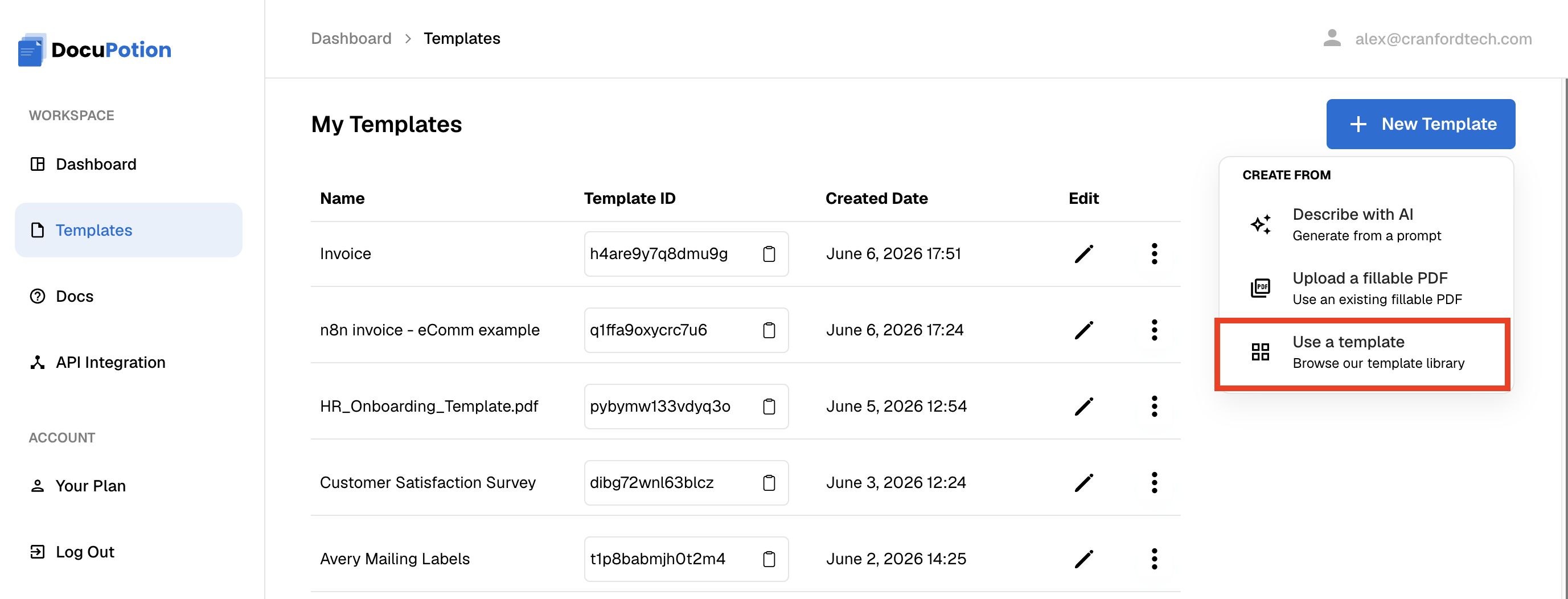
The DocuPotion template library has a large number of pre-built templates that cover a lot of common uses cases. To use a pre-built template, select the Use a template option when creating a new template from your dashboard:
You'll be presented with a number of options. You can toggle categories using the buttons that appear just above the templates.
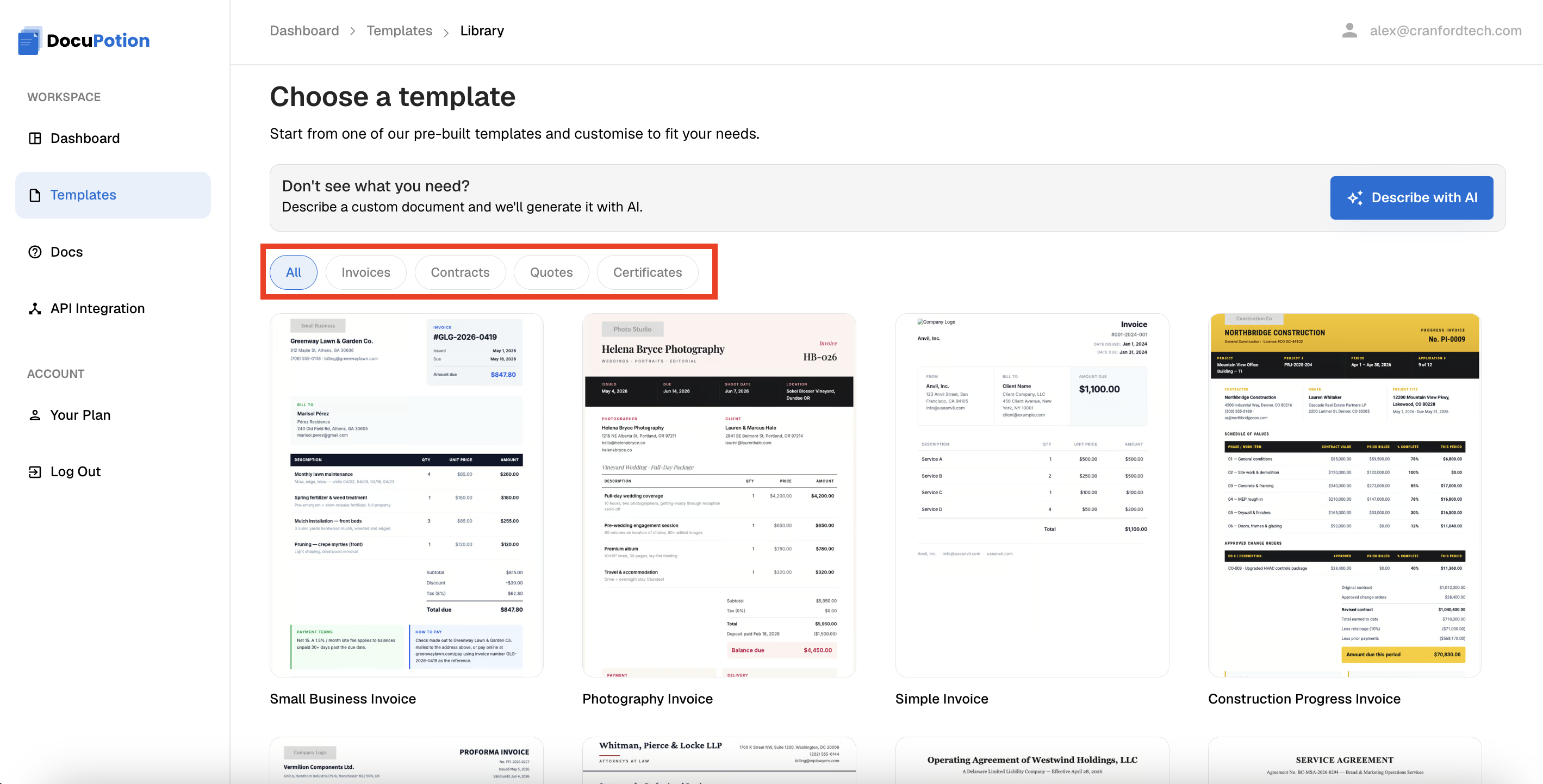
Once you select a template, you'll have the option to add your own sample data.
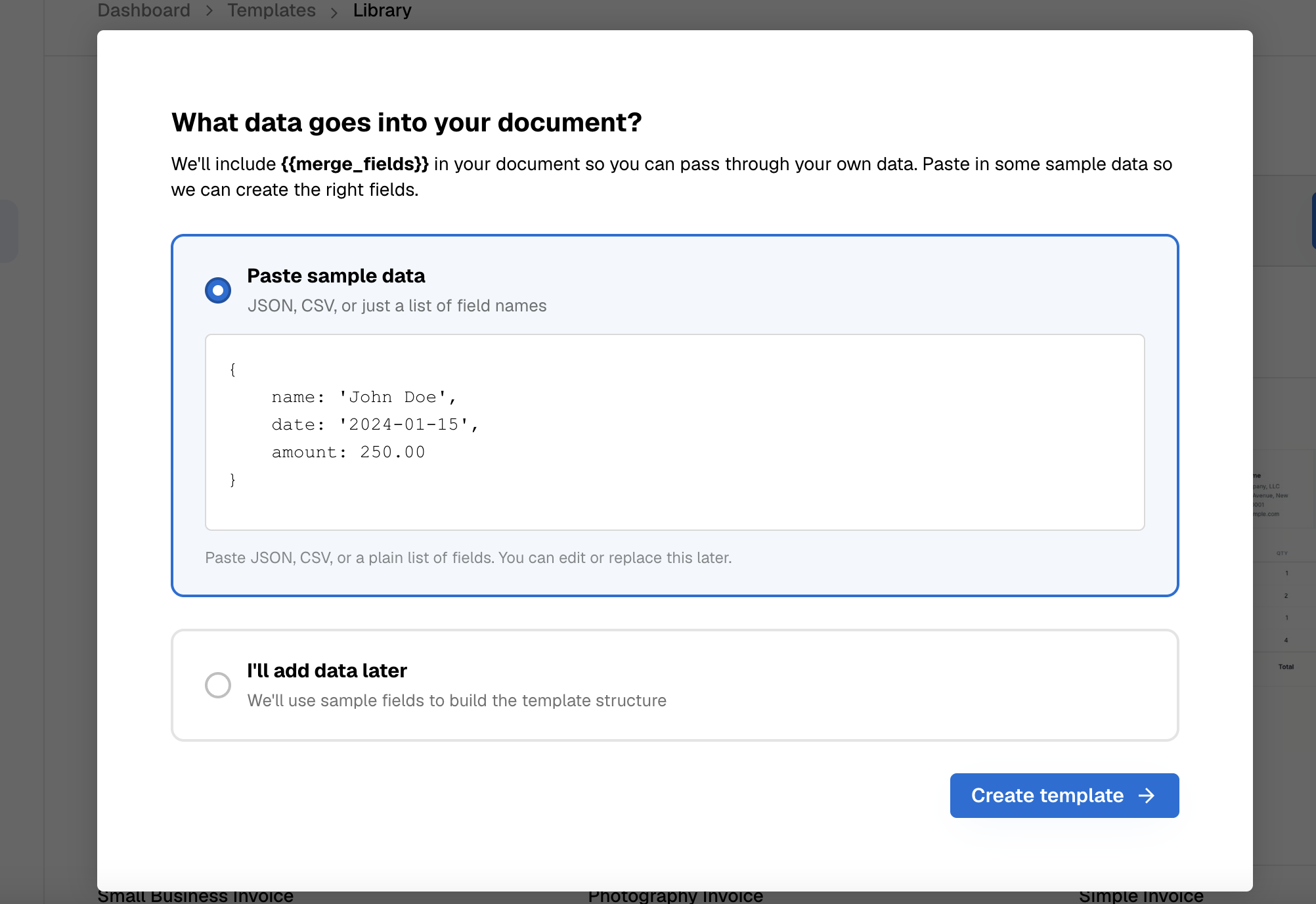
DocuPotion will take whatever sample data you provide and include it in the template as {{merge_fields}} . You can provide JSON, CSV or just a list of field names - DocuPotion is pretty good at taking unstructured data and interpreting it accurately.
You will be able to edit the{{merge_fields}} included in template later on, so don't worry if you forget to add something.
If you're not sure what {{merge_fields}} you want to include, you can choose the I'll add data later option. If you do this, DocuPotion will choose what {{merge_fields} to add to the document.
Once you're happy with your inputs, click on the Create template button. You'll then be brought to the AI template editor.